
Vonoto OCR: Extract Text From Images and Scanned PDFs
Vonoto OCR helps extract text from images, screenshots, receipts, scanned PDFs, and documents that are not searchable.
This Vonoto service is free to try and opens with one click.
What is Vonoto OCR?
Vonoto OCR helps extract text from images and scanned PDFs. If a document looks like text but cannot be selected, copied, searched, or translated, it probably needs OCR. This includes screenshots, photographed documents, receipts, forms, and scans.
PDF OCR and Image to Text
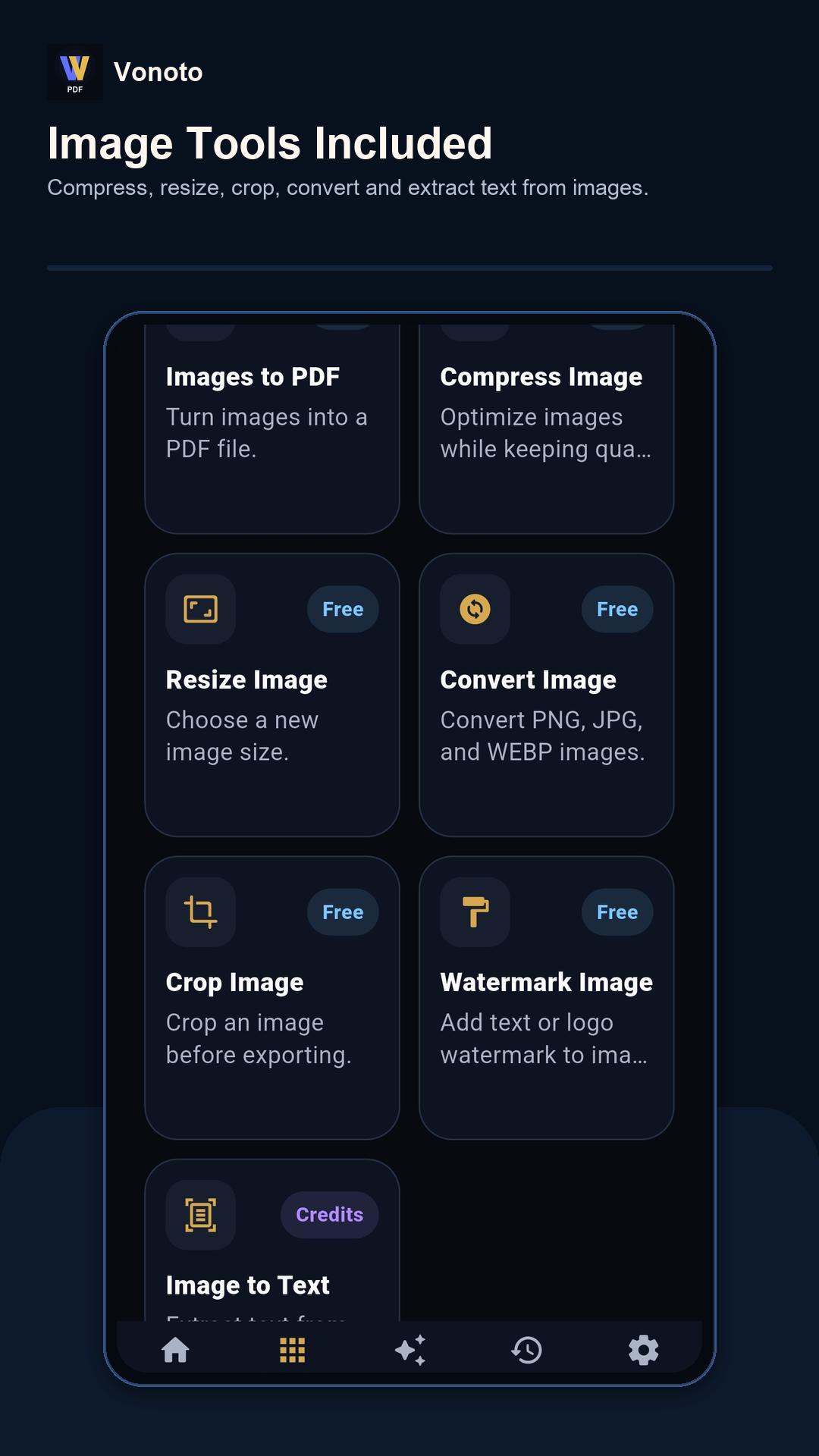
PDF OCR focuses on scanned PDF pages, while Image to Text focuses on image files such as JPG, PNG, and screenshots. Both workflows aim to produce readable text that can be copied or used by other Vonoto tools.
OCR quality tips
Use clear images, keep the document straight, avoid shadows, crop unnecessary background, and choose the right language when available. OCR quality can drop when text is small, blurry, handwritten, curved, or mixed with complex backgrounds.
OCR with AI PDF tools
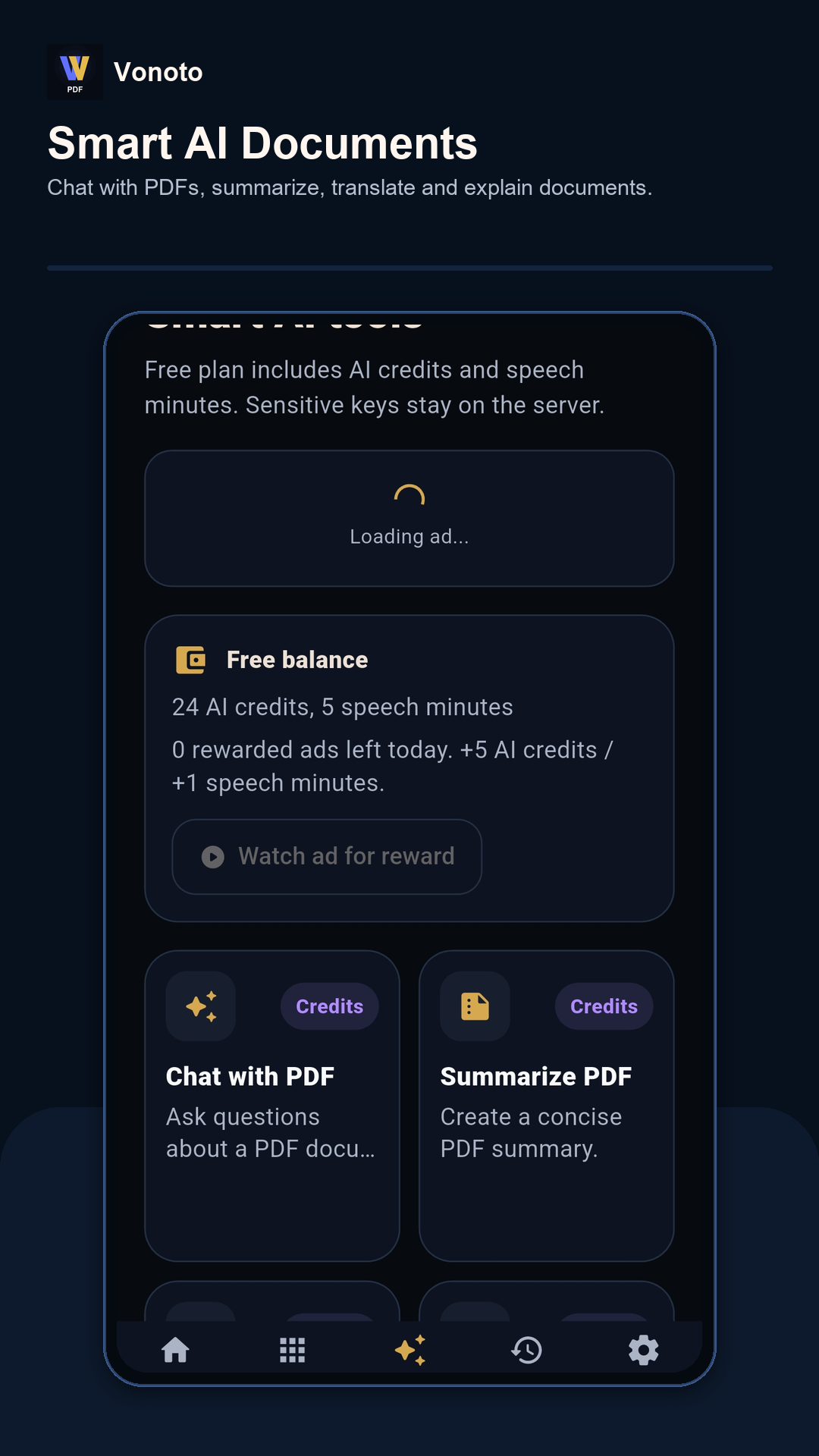
After text is extracted, it becomes more useful. You can translate it, summarize it, ask questions with AI PDF tools, or convert images into a PDF for storage and sharing. Vonoto OCR is therefore a bridge between scanned documents and smart document workflows.
Conclusion
Vonoto OCR, PDF OCR, Image to Text, Vonoto Image to PDF, and Vonoto AI PDF work together to make scanned and photographed documents easier to read, reuse, translate, and understand.
Related Vonoto tools
Frequently asked questions
What is Vonoto OCR?
Vonoto OCR is the text recognition workflow for images and scanned PDFs, helping turn visible text into copyable text.
Can OCR read every language perfectly?
No OCR is perfect. Results depend on image quality, language, font, angle, lighting, and whether the correct language settings are available.
What can I do after OCR?
You can copy text, translate it, summarize it, ask AI questions about it, or save it as part of a document workflow.